Kā izveidot ggplot2 attēlus, izmantojot Harija Potera krāsas.
R
pakotnes
vizualizācija
Author
Didzis Elferts
Published
October 22, 2026
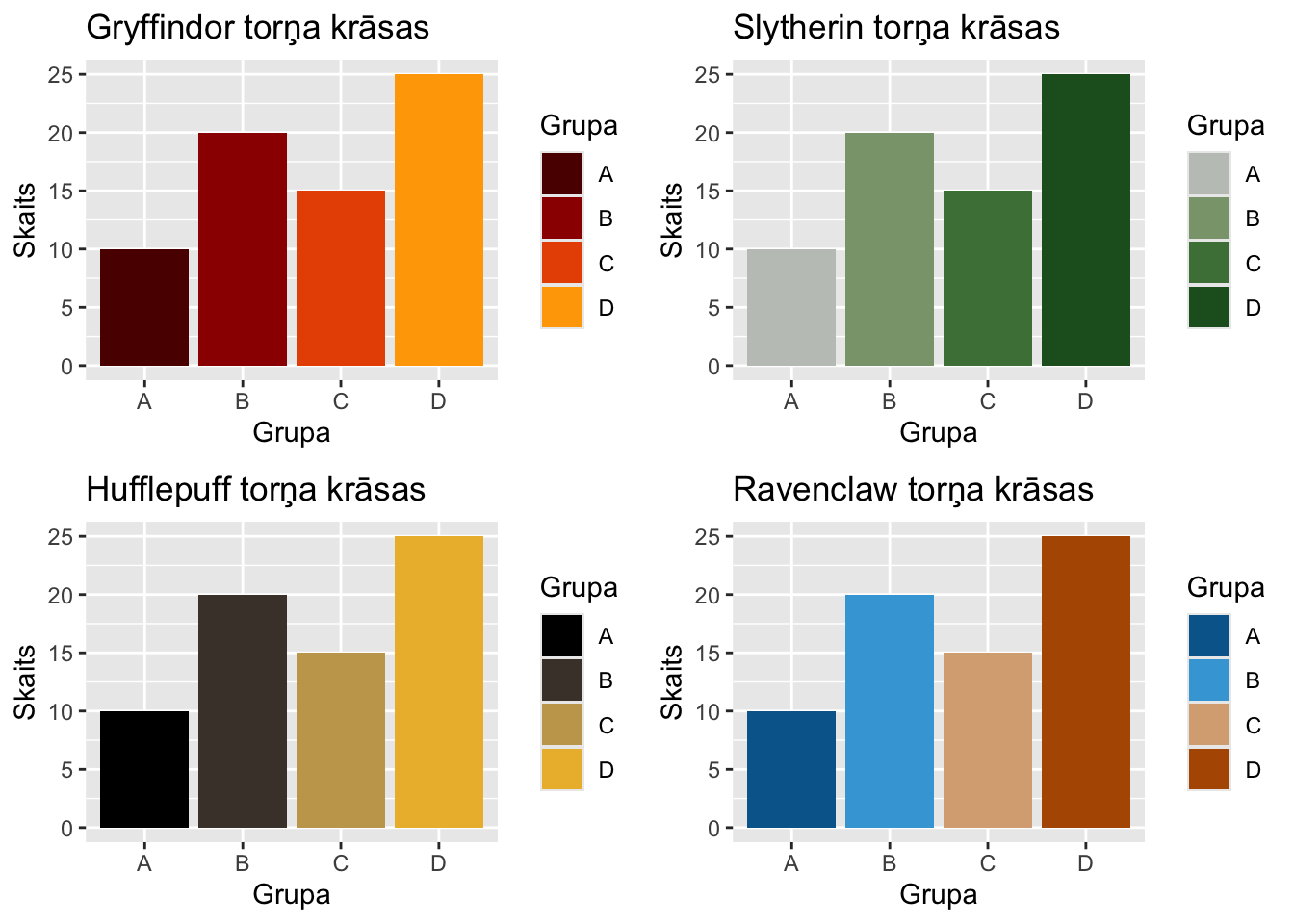
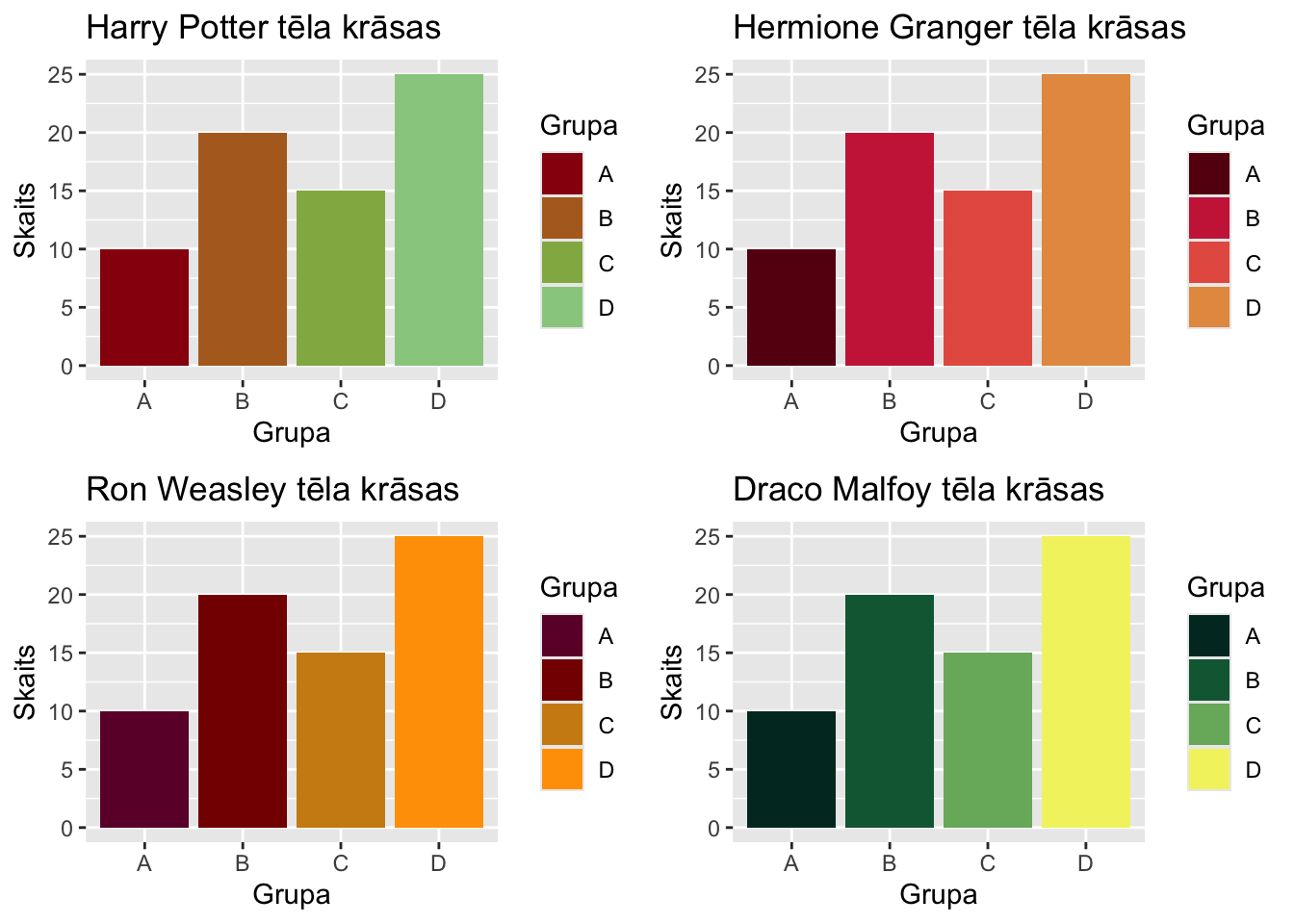
Ja esat Harija Potera grāmatu un filmu fans un vēlaties izmantot savos attēlos krāsu paletes, kas atbilst dažādām Cūkkārpas (Hogwarts) torņiem un tēliem, tad R ir pieejama pakotne harrypotter, kas ļauj izmantot šīs krāsas ggplot2 attēlos.
Pamatfunkcijas krāsu palettes izmantošanai ir scale_color_hp() un scale_fill_hp(), kurām ar argumentu option = izvēlas atbilstošā torņa krāsu paleti.
library(ggplot2)library(harrypotter)library(cowplot) # lai varētu apvienot attēlusdf <-data.frame(Grupa =c("A", "B", "C", "D"), Skaits =c(10, 20, 15, 25))p1 <-ggplot(df, aes(x = Grupa, y = Skaits, fill = Grupa)) +geom_col() +scale_fill_hp(option ="Gryffindor", discrete =TRUE) +labs(title ="Gryffindor torņa krāsas")p2 <-ggplot(df, aes(x = Grupa, y = Skaits, fill = Grupa)) +geom_col() +scale_fill_hp(option ="Slytherin", discrete =TRUE) +labs(title ="Slytherin torņa krāsas")p3 <-ggplot(df, aes(x = Grupa, y = Skaits, fill = Grupa)) +geom_col() +scale_fill_hp(option ="Hufflepuff", discrete =TRUE) +labs(title ="Hufflepuff torņa krāsas")p4 <-ggplot(df, aes(x = Grupa, y = Skaits, fill = Grupa)) +geom_col() +scale_fill_hp(option ="Ravenclaw", discrete =TRUE) +labs(title ="Ravenclaw torņa krāsas")plot_grid(p1, p2, p3, p4, ncol =2)
Visus iespējamos torņu un tēlu palešu nosaukumus var apskatīt ar funkciju names(hp_palettes).